

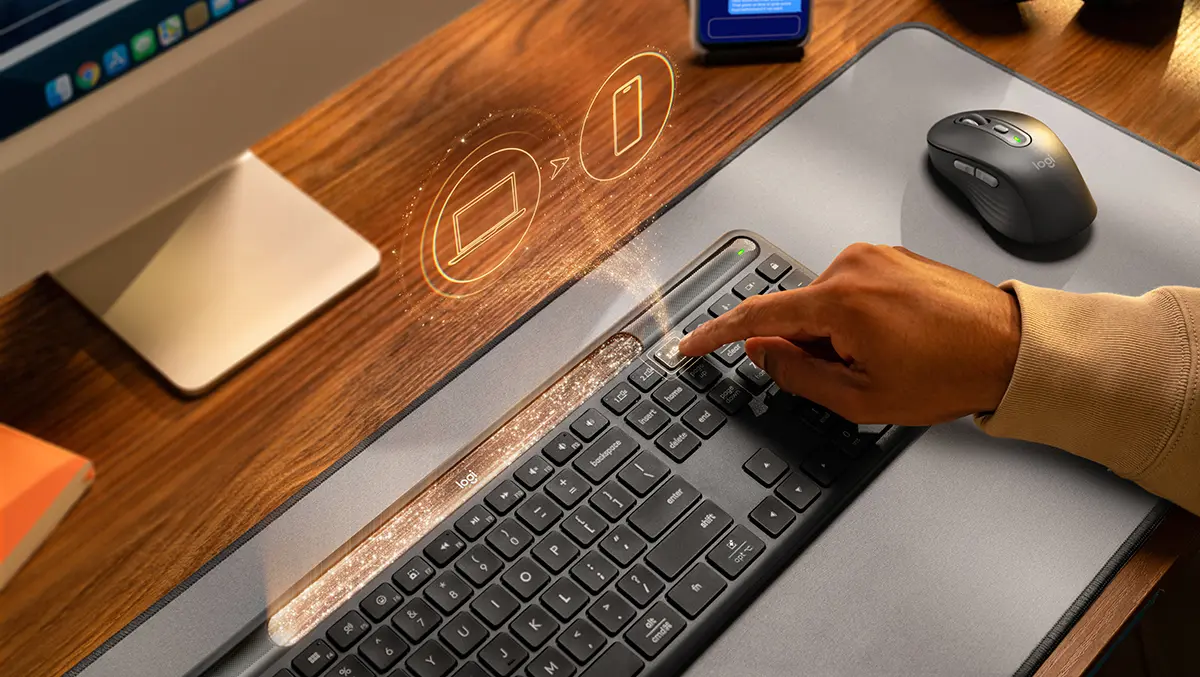
Hands-on Review: Logitech Signature Slim Solar+ K980 wireless keyboard
Fri, 31st Oct 2025
If you've ever tugged a cable across your desk, swapped batteries mid-meeting or cursed a drained keyboard at the worst moment, the Logitech Signature Slim Solar+ K980 may feel like a small miracle. In this review I've spent a week using it as a full-time productivity tool - on a laptop, tablet and phone - and here's how it stacks up.
Design
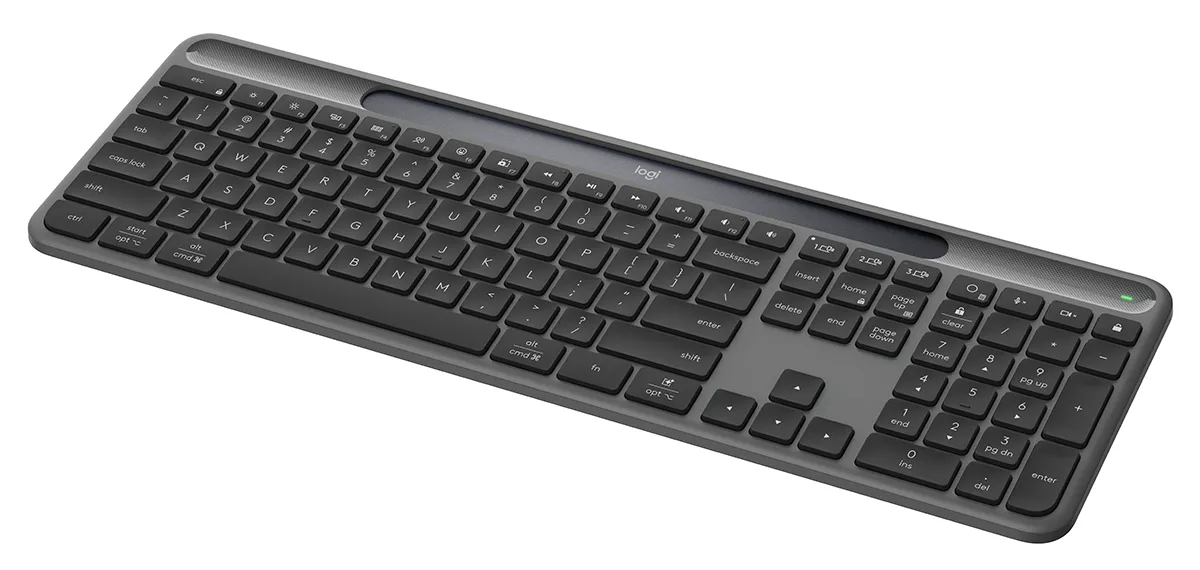
The K980 is slim yet solid. Its profile is impressively low (about 18 mm thick at the top) and it weighs only around 700 g, so it doesn't take over your workspace. The top housing conceals a solar‐charging strip and internal rechargeable cell, which means there's no USB port, no removable batteries - the keyboard literally runs off ambient light. Daylight or indoor lighting will keep it topped up. That alone is a novelty worth noting.
It comes in a sleek graphite finish or a pale cream version. The build is plastic, rather than metal, which keeps weight and cost down, but it still feels durable enough for everyday use. I found the minimalist aesthetic works well in a clean home-office or hybrid setup.
Solar power
This is the headline feature and, thankfully, it delivers. After pairing the K980 with my laptop, tablet and phone I left it on a typical desk under office lighting (~500 lux) and the battery never dropped. If you switch off the lights or move it somewhere darker, Logitech claims it will last up to four months on a full charge. The idea of a keyboard you never plug in - or replace batteries in, is genuinely liberating.
That said, the reliance on light means the keyboard must be in an area where light reaches it. If you stash it away in a drawer or use it under heavy shade, you might eventually run into low-power warnings. Still, for most typical desk setups it was seamless. No charging cable, no interruption: one less frustration.
Multi-device support
Switching between devices is ridiculously easy. The K980 supports pairing with up to three devices via Bluetooth (and via Logitech's optional Bolt USB receiver for enterprise use), and has three "Easy-Switch" buttons. In practice I toggled between a Windows laptop, an iPad and a smartphone within seconds. The layout includes both Windows and Mac legends, so regardless of platform you'll feel at home.
Connectivity was rock solid throughout the week - no lag, no disconnects mid-typing, no weird compatibility issues. If you work across devices (laptop during day, tablet at night, phone for quick replies) this keyboard accommodates that flow seamlessly.
Typing experience
The keys are low-profile scissor-switch types, much like a modern laptop. If you're used to tall mechanical keys this won't feel the same, but the travel and tactile feedback are perfectly acceptable for productivity work. I found myself reaching my usual typing speed after just a short adjustment period.
The full-size layout includes a numpad and inverted-T arrow keys, which I appreciated for spreadsheets and data entry. However, you won't find any backlighting here - so if you routinely work in dim rooms the keys may fade into the shadows. Also, there are no flip-out feet for an inclined angle; the keyboard sits flat, with only the chassis shape providing a slight tilt. For many users this is fine, but if you prefer a steeper typing angle you may notice.
Features and software
As expected for a premium Logitech product, the K980 supports customise-able function keys through Logitech's Options+ app. You get dedicated keys for mic mute, camera toggle and a bespoke "Action" key which by default summons your computer's AI assistant (Windows, macOS, ChromeOS), but can be reprogrammed. These are nice touches for anyone working in a modern home office or hybrid meeting environment.
Because there's no wired connection mode, everything flows through wireless. That means less cable mess, but also fewer fallback options if things go wrong. So far I had zero issues, but purists who demand wired reliability or USB-C backup might take pause.
Verdict
In the world of productivity keyboards, the Signature Slim Solar+ K980 stands out for one key reason: you'll forget about charging it. For anyone juggling multiple devices and longing for a cleaner desk with fewer wires, this keyboard is a compelling choice. Its multi-device switching, solid build and genuine solar independence make it a wife upgrade for many home-office setups.